User's Guide

Copy Density
To display:
- [Copy]
- [Application]
- [Edit Color]
- [Color Adjust]
- [Copy Density]
- [Color Adjust]
- [Edit Color]
- [Application]
Adjust the copy density.
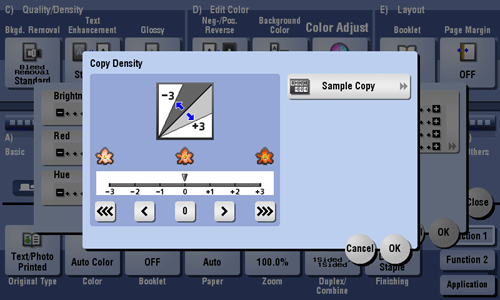
Settings | Description |
|---|---|
[Sample Copy] | You can check the finishing by printing a sample copy. Place the original on the Original Glass, and tap [OK] or press Start. |

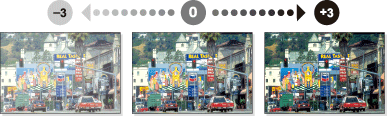
Adjusting copy density changes an image as shown in the following.